About Us



A crisis meeting revolves around sound decision-making and a clear overview. However, if you log on a flip chart, you miss precisely that. Why?
A flip chart cannot be shared with the rest of the organization. While others require crucial updates, all information remains confined to a single room.
A crisis exercise typically lasts approximately 2 hours. However, an actual crisis can extend for days or weeks. In such prolonged situations, you would eventually find yourself covering your crisis room walls with flip chart pages. Furthermore, information recorded in a paper logbook cannot be filtered or searched.
The logger must take notes while standing when logging on flip charts and struggles to keep pace. This results in an incomplete logbook.
While the rest of the crisis team is seated, the logger misses parts of the discussion.
This makes it more challenging to actively contribute to the process, and consequently, the logger is not a fully integrated team member.
This is nearly impossible to achieve with a flip chart.
This is time-consuming and increases the likelihood of errors.
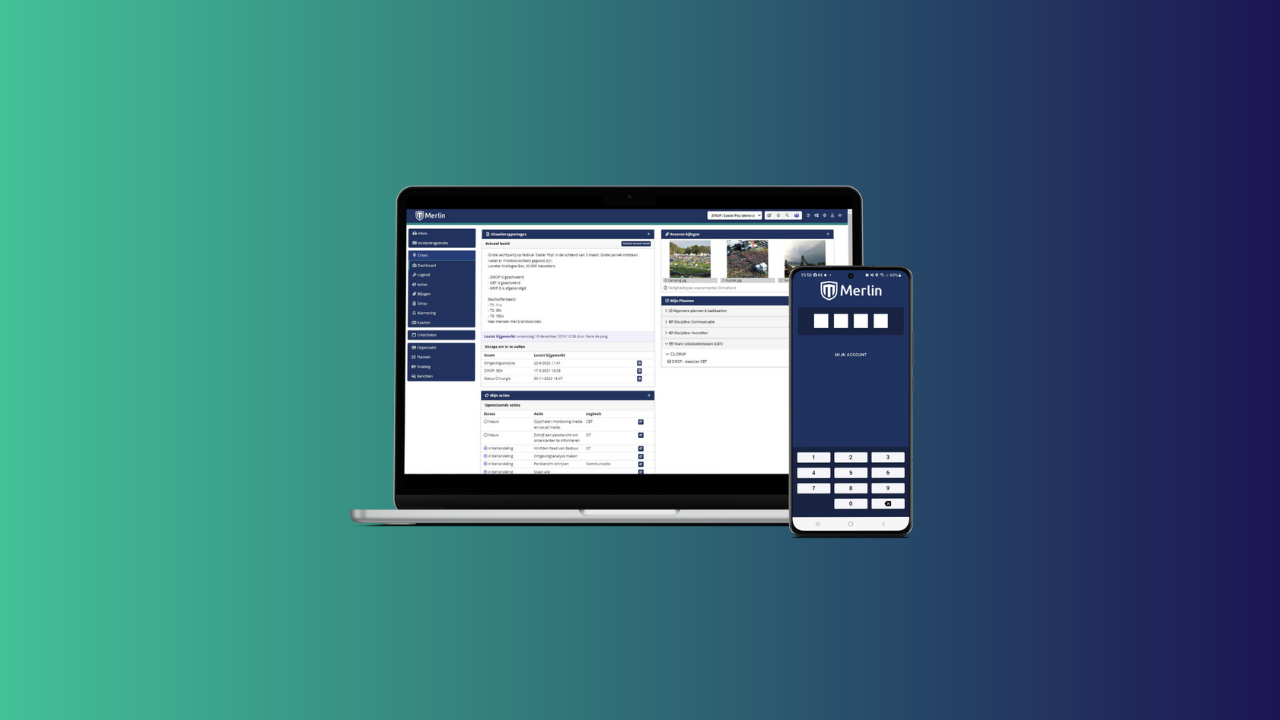
While a whiteboard or flip chart can be beneficial in your crisis room, suitable for more creative processes such as creating a mind map, a diagram, or a drawing to clarify a specific situation, a logbook should always be digital!
.png)

